
AI assistants have gone mainstream inside companies. They answer employee questions, help support teams resolve tickets faster, surface information from internal documents, and even assist with complex data queries. The productivity gains are real and hard to argue with.
But there’s a tension that doesn’t get enough attention: most of these tools work by sending your prompts – and sometimes the context around them – to external servers. For consumer apps, that’s generally fine. For an enterprise handling sensitive client data, proprietary processes, or regulated information? That’s a problem.
More organizations are now asking a very reasonable question: can we get all the benefits of an AI assistant without handing our most sensitive data to a third-party model hosted somewhere outside our control?
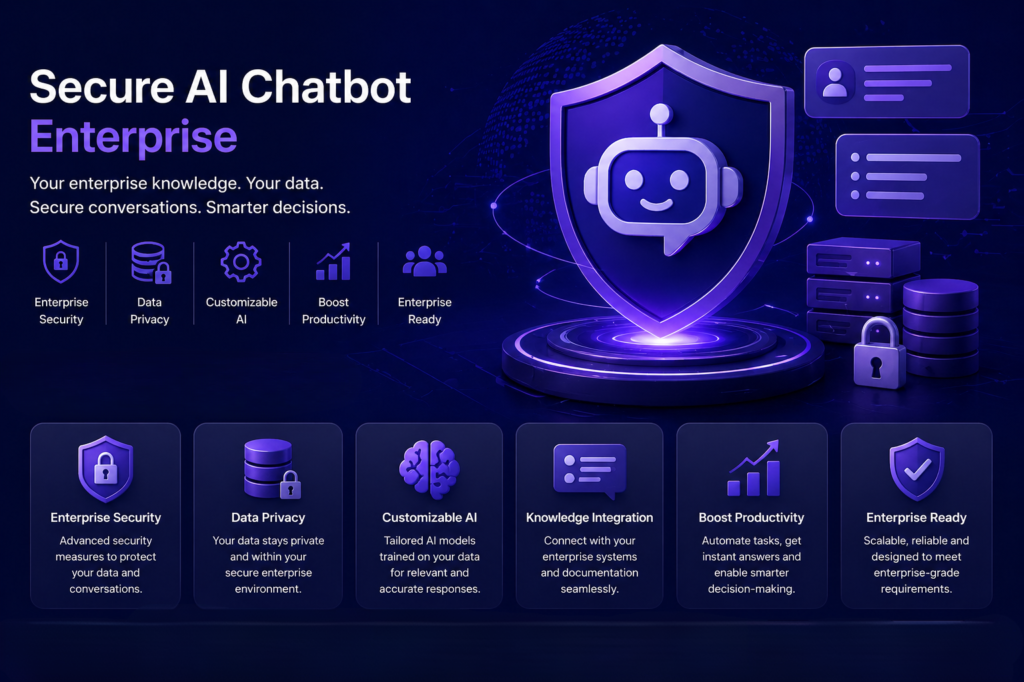
This is where a secure ai chatbot enterprise solution or a private ai support bot becomes essential for maintaining both productivity and data privacy.
What’s Actually at Risk When Employees Use Public AI Tools?
It’s easy to underestimate the exposure. An employee asks a chatbot to summarize a client contract. Another pastes salary data into a prompt to get formatting help. A developer shares a chunk of proprietary code to debug it. Each of these actions feels harmless in the moment – and each one can quietly move sensitive data outside the organization’s security perimeter.
This is what’s often called shadow AI – the uncontrolled use of AI tools that IT has no visibility into and no governance over. It’s not malicious; it’s just what happens when employees discover useful tools and use them to get work done faster.
The risks are real:
- Data exposure: Prompts sent to public models may be logged, reviewed, or used for training.
- Compliance gaps: Industries like finance, healthcare, and legal operate under strict data regulations – GDPR, HIPAA, and others – that don’t allow for uncontrolled data transfers.
- Loss of IP control: Proprietary strategies, product roadmaps, or client information shared through a chatbot may leave a permanent trace on external servers.
- Audit blindspots: Without logs of what was asked and what was returned, compliance teams have no way to assess risk or respond to incidents.
What Makes an AI Support Bot “Private”?
The term gets used loosely, so it’s worth being specific. A truly private AI deployment for an enterprise means the model – and the data it processes – never leaves the organization’s controlled environment. That could mean:
- Running the AI on on-premises servers inside the company’s own infrastructure
- Deploying into a dedicated private cloud that the organization fully controls
- Using an air-gapped setup for environments with the strictest security requirements, where there’s no external internet connection at all
In each case, user prompts are processed locally. The AI model runs inside the perimeter. Answers are generated without any data touching an external provider’s servers. For a company handling sensitive HR data, client financials, or classified government records, this isn’t just a nice-to-have – it’s often a compliance requirement.
Does Running AI Privately Mean Sacrificing Capability?
This is probably the most common concern, and it’s a fair one. There’s a perception that private or on-premises AI is somehow less capable than the large cloud models everyone has heard of. That perception is becoming less true every year.
Today’s private enterprise AI platforms can support a wide range of use cases that used to require a cloud model:
Knowledge assistant: Employees ask questions and get answers pulled from internal documents, wikis, CRM records, and databases — all within the secure environment.
Customer support automation: Routine support queries get resolved by the AI using approved knowledge bases, with escalation to humans when needed.
Data analysis: Natural language queries that run against internal databases and return structured insights – without exporting data anywhere.
Code assistance: Developers get code completion, review, and generation help from a model trained on or connected to the company’s own codebase.
Smart search: Context-aware search that understands intent, not just keywords, across all connected enterprise data sources.
The key is choosing a platform built specifically for enterprise environments, one that’s designed around compliance, access control, and integration with existing systems – not bolted on as an afterthought.
Access Controls and Permissions: The Detail That Often Gets Missed
One underappreciated challenge in enterprise AI deployment is permissions. When an AI assistant can access company data, it needs to respect the same access controls that already exist in your systems.
An employee in marketing shouldn’t be able to ask the AI a question and receive an answer that pulls from confidential executive strategy documents. A customer support agent shouldn’t inadvertently get access to another customer’s records through an AI-generated response.
Well-designed private enterprise AI platforms address this by integrating directly with existing identity and access management systems – so the AI only surfaces information that the asking user is already authorized to see. It’s a subtle but critical feature, and one that many out-of-the-box solutions don’t handle well.
The Role of an AI Firewall in Enterprise Deployments
Even when a company has a private AI deployment in place, employees will still encounter and use public tools. Blocking everything is rarely realistic – and often counterproductive.
A more practical approach is using an AI firewall: a policy enforcement layer that sits between employees and external AI services. It monitors AI usage in real time, classifies the sensitivity of what’s being shared, and enforces company-defined rules about what can and can’t be sent out.
For example, a rule might allow general writing assistance through a public model but automatically block any prompt that contains financial data, personally identifiable information, or specific client names. Violations can be blocked, flagged, or logged depending on the severity – and the entire interaction history is available for compliance review.
This combination – a private internal AI for sensitive work, plus an AI firewall governing external tool usage – gives enterprises the control they need without simply telling employees they can’t use any AI at all.
Final Thoughts
For enterprises looking to move in this direction, platforms like AGAT Software offer a comprehensive approach – combining a secure ai chatbot enterprise with a private ai support bot, along with an AI firewall and full deployment flexibility across on-premises, private cloud, and air-gapped environments.
This allows organizations to confidently adopt AI while maintaining full control over their data and compliance requirements.
Frequently Asked Questions
1. Can a private AI deployment use the same quality of language models as public tools?
Yes, in many cases. Private deployments can use leading open-source models or licensed enterprise versions of commercial models – hosted within your own infrastructure. The model quality doesn’t have to be a tradeoff for privacy.
2. How does a company prevent employees from using unauthorized AI tools?
An AI firewall is the most practical solution. It monitors outbound AI usage, applies company policies in real time, and blocks sensitive data from being shared with unapproved external services – without completely preventing employees from using AI for general tasks.
3. What regulations apply to AI data handling in enterprises?
This varies by industry and geography, but the most relevant frameworks include GDPR (particularly for European data), HIPAA (for healthcare in the US), SOC 2, and increasingly the EU AI Act. A private AI deployment with proper audit logging generally makes compliance significantly easier to demonstrate.
4. Is on-premises AI harder to maintain than a cloud solution?
It can require more initial setup, but many enterprise-grade platforms are designed to minimize ongoing maintenance overhead. Managed deployment options – including private cloud configurations – offer a middle ground between full on-premises control and the simplicity of a SaaS product.
5. How do you ensure the AI only shows users information they’re allowed to see?
The best platforms integrate directly with your existing access control and identity management systems. The AI inherits the same permissions already defined in your CRM, document management tools, and other connected systems – so users can only receive answers based on data they already have authorization to access.