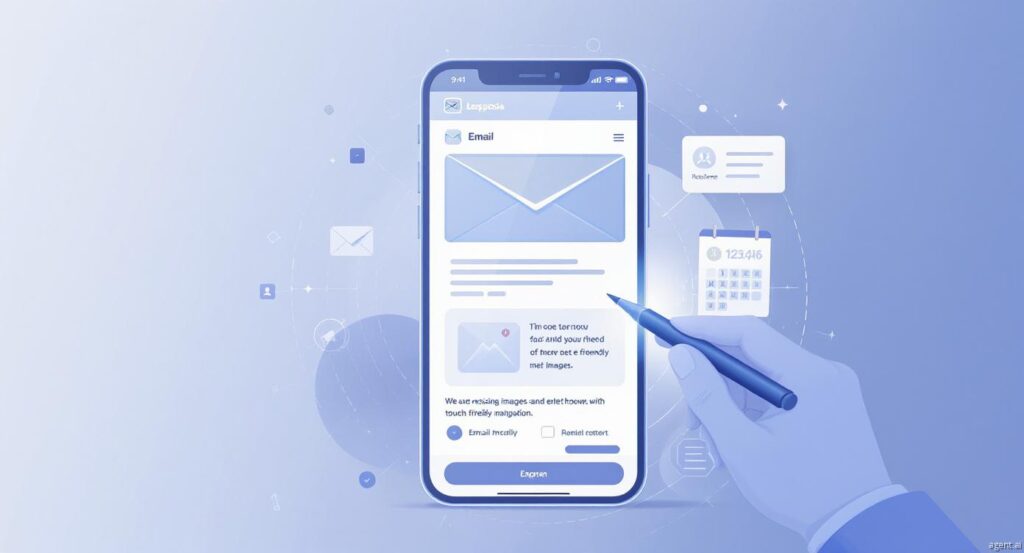

With the majority of emails being opened on smartphones today, businesses must prioritize Mobile Email Optimization to maximize engagement. Emails that are not designed for mobile screens risk being deleted immediately, reducing both interaction and conversions. Proper mobile optimization ensures emails are visually appealing, easy to read, and encourage recipients to take action, which translates into measurable business results.
Understand How Mobile Users Consume Emails
Mobile users behave differently than desktop users—they tend to skim quickly, tap buttons with their thumbs, and scroll through content in short bursts. Knowing these habits helps marketers design emails that deliver messages clearly and concisely. For example, key offers or promotions should appear near the top of the email so recipients immediately see the value.
Single-Column, Scroll-Friendly Layouts
Emails must be easy to navigate on small screens. Single-column designs are ideal because they eliminate horizontal scrolling and ensure a consistent reading experience across devices. Break text into short paragraphs and use bullet points or numbered lists for clarity. Use headings to structure content and bold important messages to guide the reader’s attention naturally.
Short, Compelling Subject Lines
Subject lines are critical in determining whether mobile users open an email. Keep them concise, ideally 30–40 characters, and make sure they communicate value quickly. Pair the subject line with a preheader that reinforces the message. Action-oriented language such as “Claim Your Offer” or “Get Access Today” increases open rates, and personalization, like including the recipient’s name, makes emails feel relevant and engaging.
Optimize Images and Graphics
Visuals can enhance an email’s appeal but must be optimized for mobile. Large images can slow loading times, leading to a poor user experience. Compress images to maintain quality while ensuring fast delivery. Use icons or small illustrations instead of heavy graphics, and always include descriptive alt text so the main message is understood even if visuals fail to load. For videos or interactive content, linking to external platforms is preferable to embedding heavy files.
Effective Mobile Calls-to-Action
CTAs are essential for converting engagement into action. On mobile devices, buttons must be easily tappable and clearly visible against the background. Use concise, actionable language like “Reserve Your Spot” or “Shop Now.” Place the primary CTA near the most persuasive content sections, and consider a secondary CTA further down for those who scroll through the entire email. Visual indicators, such as arrows or shadows, can subtly draw attention to the CTA without overcrowding the design.
Personalization and Targeted Messaging
Segmenting your audience ensures emails are relevant to each recipient. Leverage behavior, preferences, past purchases, or geographic data to deliver tailored content. Dynamic content blocks can display different offers or messages for each user, increasing engagement and click-through rates. Personalized greetings, product recommendations, and content improve user experience and make emails feel uniquely crafted.
Accessibility for All Users
Mobile email campaigns must be inclusive. Ensure fonts are legible, colors provide sufficient contrast, and buttons are large enough for easy tapping. Use descriptive labels for links and images to support users with screen readers. Accessible emails expand reach and enhance the brand’s credibility, ensuring no segment of your audience is left behind.
Testing and Optimization
Even well-designed emails can render differently on various devices, operating systems, or email clients. Testing across multiple platforms ensures your emails appear correctly and function as intended. A/B testing subject lines, CTAs, layouts, and images helps determine which combinations drive the most engagement. Continuously analyzing results allows marketers to refine strategies and maximize performance.
Automation and Smart Timing
Timing significantly affects mobile email engagement. Identify when your audience is most active and schedule emails accordingly—morning commutes or lunch breaks often yield high open rates. Automated triggered campaigns, such as welcome sequences or abandoned cart reminders, reach users at the most opportune moments. Combining mobile optimization with automation ensures timely delivery and improved results.
Adding Interactive Elements
Interactive features like polls, surveys, or expandable sections can boost engagement on mobile devices. Keep interactions simple and intuitive to avoid frustrating users. Properly implemented interactivity encourages readers to explore content, engage with offers, and spend more time within the email, increasing the likelihood of conversions.
Important Information of Blog
Mobile email optimization is essential for maximizing engagement, clicks, and conversions. Combining scroll-friendly layouts, concise subject lines, optimized visuals, mobile-friendly CTAs, personalized content, accessibility, thorough testing, automation, and interactivity ensures your emails perform effectively across devices. Prioritizing these strategies consistently will result in higher engagement rates, better user experiences, and measurable business growth in a mobile-first world.
At BusinessInfoPro, we empower entrepreneurs, small businesses, and professionals with actionable insights, strategies, and tools to fuel growth. By simplifying complex ideas in business, marketing, and operations, we help you turn challenges into opportunities and navigate today’s dynamic market with confidence. Your success is our mission because when you grow, we grow.