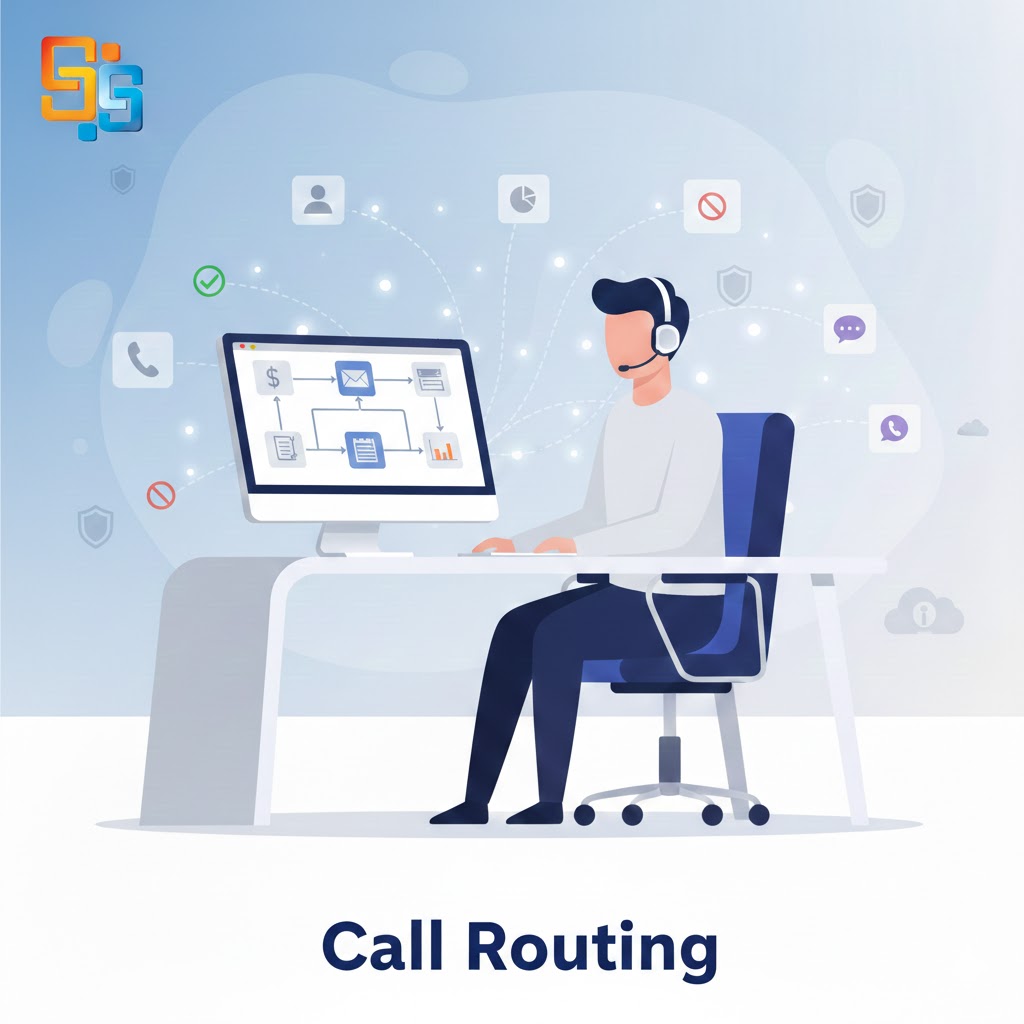

Every support team wants calls to reach the right person quickly. When calls go to the wrong agent customers feel confused and time gets wasted. A strong system for Call Routing helps avoid these problems. It directs each call based on rules skills or caller input. This keeps queues short and service smooth.
Choosing the right software is not only about basic routing. You need tools that match your call flow and team size. The system should support daily work without adding stress. It must handle normal traffic and also sudden spikes. When used well, Call Routing improves response time and customer trust.
Below are the key features you should check before selecting a solution.
Smart Call Distribution Options
Not all calls are the same. Some need sales teams while others need support or billing. The software must offer different routing methods to manage this variety.
Skill Based Routing
Skill based routing sends calls to agents who have the right training. A tech issue should go to a tech agent. A billing issue should reach the billing team. This reduces transfers and improves first call resolution.
Time Based Routing
Some teams work in shifts. Time based routing directs calls based on working hours. After office hours calls can move to another branch or a backup team.
Priority Routing
High value clients may need faster support. Priority routing places them at the front of the queue. This ensures important calls do not wait long.
A system with flexible distribution rules supports better Call Routing and smoother daily work.
Easy IVR Setup and Control
Interactive voice response plays a big role in call flow. Callers choose options and reach the right team. The setup should be simple and quick to change.
A good system allows you to:
Create custom menus without coding
Edit voice prompts anytime
Add language options for wider reach
When IVR is clear callers feel guided, not confused. The menu should not be too long. Short and simple choices work best. Strong IVR support improves Call Routing by reducing wrong transfers and repeat calls.
Real Time Monitoring and Reports
Managers need clear data to improve performance. Real time dashboards show active calls, waiting time and agent status. This helps teams take quick action during peak hours.
Reports should include:
Call volume by hour or day
Average wait time
Missed call data
Agent performance details
With this data you can adjust staff levels and routing rules. If one queue grows too long you can move agents from another team. Good reporting makes Call Routing smarter over time.
Integration With Other Tools
Call handling does not work alone. It connects with CRM helpdesk and dialer systems. The routing software should link with these tools easily.
When integrated with CRM agents see caller details before answering. They know past issues and purchase history. This saves time and avoids repeated questions.
If your team uses Call Blasting for campaigns the routing system should manage responses smoothly. When customers return calls after a campaign the system must direct them to the correct team. Without proper integration campaign calls may flood one queue and slow down service.
Strong integration keeps communication structured and avoids confusion.
Support for High Call Volume
During sales events service outages or campaign days call traffic can rise sharply. The software must handle heavy loads without crash or delay.
Cloud based systems often manage high volume better. They scale based on demand. This means you do not need new hardware during peak periods.
When using Call Blasting for alerts or promotions many customers may call back at once. A reliable routing system balances this traffic across teams. It can distribute calls evenly or add overflow rules to prevent long queues.
Handling high traffic smoothly protects customer trust and keeps service stable.
Easy Rule Customization
Business needs change often. You may launch new products, open new branches or add teams. The routing rules should be easy to update.
Look for software that allows:
Drag and drop call flow design
Quick editing of routing rules
Simple team and skill updates
If changes require complex coding teams will avoid updates. Over time the system becomes outdated. Flexible rule control keeps Call Routing aligned with current needs.
Clear Call Transfer and Escalation Process
Sometimes an agent cannot solve an issue. The system should support warm transfer where the agent speaks to the next team before passing the call. This avoids confusion for the customer.
Escalation rules are also important. If a call waits too long it should move to another queue or supervisor. This prevents missed service targets.
Smooth transfer and escalation keep conversations structured and reduce frustration.
Security and Access Control
Customer calls often include private details. The software must protect data with secure access control. Only approved users should view call logs or recordings.
Role based access helps managers control who can change routing rules. This reduces errors and protects system stability.
A secure system builds trust and supports safe Call Routing practices.
Final Thoughts
Choosing the right routing system is not just a technical task. It affects daily work speed, team stress and customer satisfaction. Focus on smart distribution options, simple IVR setup real time reports, strong integration and traffic control.
A well planned Call Routing setup directs calls correctly from the first ring. It reduces wait time and limits transfers. When combined with tools like Call Blasting it manages campaign traffic without chaos.
Look for flexibility control and clear reporting. These features ensure your support team works in an organized way. The right software keeps communication smooth and customers confident in your service.