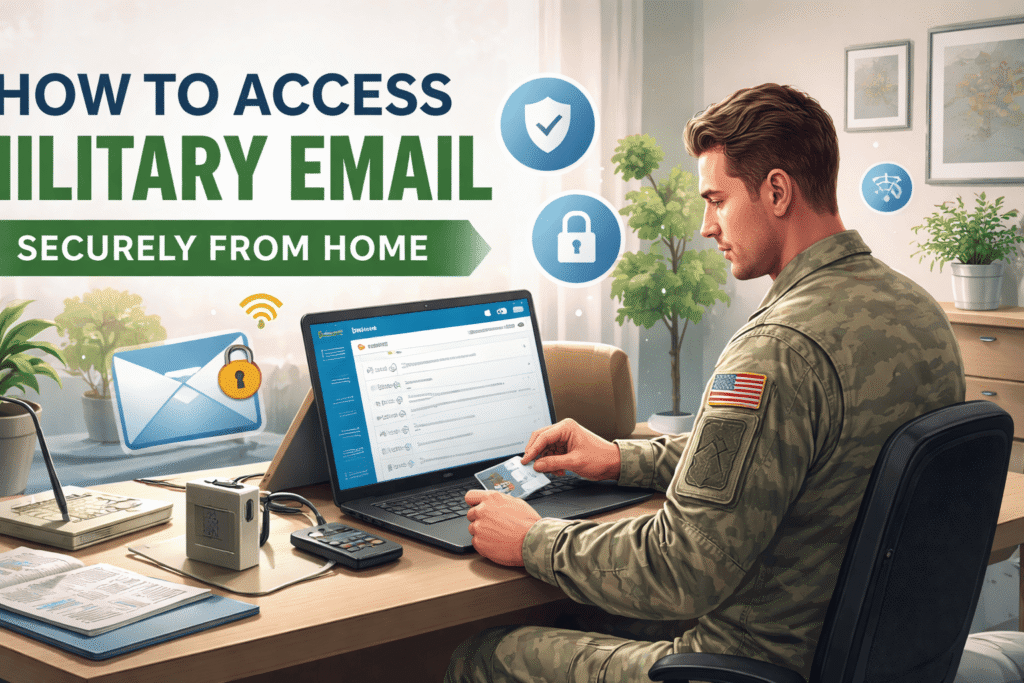

Accessing military email from home has become an essential need for active-duty personnel, reservists, veterans, and civilian employees who work remotely or need to stay connected outside official offices. Whether handling operational updates, official correspondence, administrative notices, or secure internal communication, military email systems are designed to protect sensitive data while allowing authorized users to connect from approved remote locations. Because these systems contain confidential government information, secure access requires strict authentication protocols, compatible devices, and compliance with cybersecurity standards.
Working remotely offers convenience, but it also introduces risks if secure procedures are not followed. Cyber threats such as phishing, malware, identity theft, and unauthorized access attempts can target users connecting from personal networks. That is why understanding how to safely access military email from home is not only important for productivity but also for national security and personal data protection. This article explains the complete process, requirements, best practices, and common troubleshooting steps for securely accessing military email from home in a simple and easy-to-understand format.
Understanding Military Email Systems
Military email systems are specialized communication platforms used by defense personnel to exchange official messages securely. These systems often operate through encrypted servers and require identity verification using Common Access Cards (CAC), secure certificates, and authorized credentials. Different military branches may use different email portals, but all are built around strict security frameworks.
Unlike ordinary email services, military email platforms are protected by multi-layer authentication systems that verify both the user and the device being used. These systems ensure that only approved personnel can gain access to sensitive communications. Access from home is generally permitted only when users meet security requirements, such as having CAC-enabled devices, approved middleware software, and secure internet connections.
Basic Requirements for Accessing Military Email from Home
Before attempting to log in from home, users must ensure they have the correct tools and software installed. A functioning computer, laptop, or government-approved device is necessary. The system should be updated regularly with the latest operating system patches and antivirus software.
A CAC card and CAC reader are essential in most cases. The CAC acts as a digital identification card and contains encrypted certificates required for login authentication. Without this card, many military portals cannot verify identity.
Users also need middleware software that allows the computer to recognize CAC certificates. Applications such as ActivClient or similar approved credential software are commonly required. In addition, compatible browsers such as Microsoft Edge or Chrome with updated certificate settings are usually recommended for secure login.
A stable and secure home internet connection is equally important. Public Wi-Fi or unsecured networks should never be used when accessing military communication systems.
Step-by-Step Process to Log In Securely
The process of accessing military email from home begins with inserting the CAC card into the CAC reader connected to the computer. Once inserted, the device reads the authentication certificates stored on the card.
After this, the user visits the official military email portal designated by their branch or department. The login page typically prompts certificate selection. Users must choose the correct authentication certificate, not the email encryption certificate unless specifically instructed.
At the midpoint of secure login procedures, many personnel use portals linked through outlook army email systems to check official correspondence, synchronize calendars, and receive command-level communications remotely.
Once the certificate is selected, the system requests the CAC PIN. Entering the correct PIN grants secure authentication and opens access to the email dashboard. If all credentials are valid, users can read, send, and manage official messages just as they would from a military workstation.
Common Security Measures That Protect Access
Military email systems use several layers of protection to secure remote connections. Encryption is one of the most important safeguards. All transmitted messages are encrypted to prevent interception during transfer.
Multi-factor authentication adds another layer by requiring both physical CAC possession and PIN knowledge. Even if login credentials are stolen, unauthorized users cannot access the system without the CAC card.
Automatic timeout sessions are another security feature. If a user remains inactive for too long, the system logs out automatically to reduce exposure risk. Secure socket layer protocols and certificate validation further protect login sessions from cyberattacks.
These measures work together to create a highly protected environment, but users must also follow personal cybersecurity habits to maintain full protection.
Best Practices for Staying Secure at Home
When accessing military email remotely, users must protect both the device and network being used. Personal computers should never be shared during active military sessions. Strong passwords should protect all local accounts, even when CAC authentication is required.
Keeping software updated is essential because outdated systems often contain vulnerabilities hackers can exploit. Antivirus scans should be performed regularly, and suspicious downloads should be avoided entirely.
Users should also be cautious of phishing emails pretending to be official military communications. Fake login pages and deceptive links are common tactics used by cybercriminals. Always verify sender identity before opening attachments or clicking links.
Using a private, password-protected home Wi-Fi network with WPA3 or WPA2 encryption greatly reduces exposure to unauthorized access attempts.
Troubleshooting Common Login Problems
Sometimes users may face login difficulties while trying to access military email from home. One common issue is certificate errors. This usually happens when expired certificates remain cached in the browser or when the wrong certificate is selected during login.
Another frequent problem is CAC reader malfunction. If the computer does not detect the CAC card, users should check USB connections, reinstall drivers, or test another reader.
Middleware conflicts may also prevent authentication. Reinstalling approved credential software often resolves these issues. Browser compatibility settings can also cause problems, especially after system updates.
Incorrect PIN entries may temporarily lock CAC access. If this occurs, users must contact authorized support personnel to reset credentials safely.
Importance of Using Official Access Portals Only
One of the biggest cybersecurity mistakes is attempting to log in through unofficial or bookmarked outdated URLs. Military personnel should only use officially approved websites distributed through their branch’s IT department or command channels.
Fraudulent websites can imitate military login pages to steal CAC credentials and personal information. Always verify secure HTTPS connections and official domain names before entering authentication details.
Official portals are regularly updated with security patches and compliance improvements, reducing risks associated with outdated systems.
Why Secure Remote Access Matters More Than Ever
Remote work has increased significantly across military and government sectors. Personnel may need to respond quickly to assignments, operational directives, or emergency notices regardless of physical location. Secure home access ensures continuity of communication while maintaining mission readiness.
At the same time, cyber threats targeting defense systems continue to grow more sophisticated. Every secure login from home represents a frontline defense against potential breaches. Even a small mistake by one user can create vulnerabilities affecting larger networks.
That is why remote email access is not simply about convenience. It is part of a broader national defense cybersecurity strategy that depends on disciplined compliance from every authorized user.
Conclusion
Accessing military email securely from home requires more than just an internet connection and password. It involves verified identity authentication, approved hardware, secure software, encrypted communication channels, and responsible cybersecurity habits. By using CAC-enabled devices, official portals, updated systems, and protected home networks, military personnel can safely stay connected without compromising sensitive information.
Understanding the correct procedures helps users avoid common errors, reduce login frustrations, and strengthen defense against cyber threats. As remote communication becomes increasingly vital in military operations, secure home email access remains a critical responsibility for every authorized user.