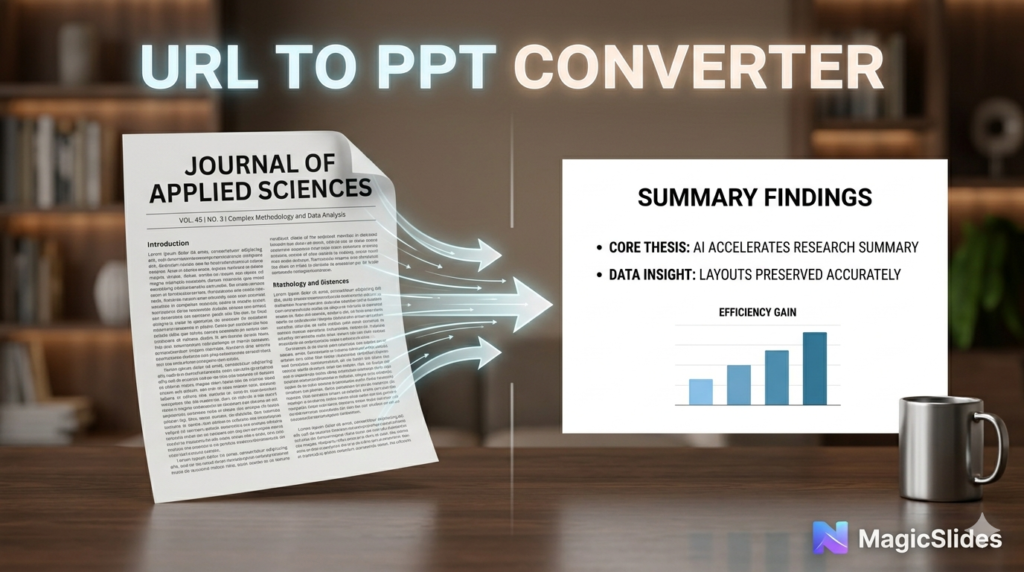

Research articles are the backbone of academic and professional progress, but they are often dense, multi-page documents filled with complex data, methodologies, and long-form analysis. When it comes time to present those findings—whether at a conference, in a classroom, or during a team sync—the challenge is monumental: how do you condense 5,000 words into 10 high-impact slides?
The traditional way involves hours of highlighting, summarizing, and manual data entry. But in 2026, there is a smarter way. You can now use AI to bridge the gap between “deep-dive research” and “dynamic presentation” using the MagicSlides URL to PPT Converter.
The Challenge of Presenting Research
Presenting a research paper requires a specific type of storytelling. You need to move the audience logically through the Abstract, Introduction, Methodology, Results, and Conclusion.
Most manual conversions fail because:
- Text Density: Slides become overcrowded with too many details.
- Data Loss: Important charts or findings get left behind in the document.
- Time Constraints: Researchers would rather spend time on their work than fighting with PowerPoint layouts.
The Solution: MagicSlides URL to PPT
The MagicSlides URL to PPT File Maker Online is specifically optimized for content-heavy pages. It doesn’t just “scrape” the text; it uses specialized AI to understand the structural hierarchy of a research article.
Why It’s the Essential Tool for Researchers:
- Automated Summarization: The AI identifies the core thesis and supporting evidence, distilling complex paragraphs into concise, presentation-ready bullet points.
- Visual Extraction: If the research URL contains diagrams, charts, or figures, the tool identifies them and places them on relevant slides.
- Reference Preservation: It helps maintain the flow of information, ensuring that your citations and key findings are represented accurately.
- Professional Templates: Choose from a variety of academic and professional themes that lend credibility to your research
How to Convert Your Research Article in 3 Steps
- Paste the Link: Simply copy the URL of the published research article or the webpage where your text is hosted.
- Configure in MagicSlides: Go to the MagicSlides URL to PPT page. Paste the link and tell the AI how many slides you need. You can even add a specific instruction like, “Focus heavily on the results and data analysis section.”
- Generate and Refine: Click “Convert.” In seconds, you’ll have a structured draft. Since it exports as a $.pptx$ file, you can easily add your own final touches in Google Slides or Microsoft PowerPoint.
Pro Tip: Maximizing Clarity
For technical research, less is always more. Use the MagicSlides AI to create the “first draft” of your slides, then use the AI Chat Assistant within the tool to simplify any overly technical jargon for a broader audience. For example, you can prompt: “Rewrite slide 5 to be understandable for a non-expert audience.”
Bridging the Gap: From Scholarly Depth to Visual Impact
The leap from a rigorous research paper to a polished presentation is often where critical insights are lost in translation. While a 5,000-word article allows for nuanced analysis, a presentation demands a narrative that is both punchy and visually engaging. This transition is no longer a manual struggle of “copy-pasting” and reformatting. In 2026, the MagicSlides URL to PPT Converter acts as an intelligent bridge, ensuring that the intellectual weight of your research is preserved while being optimized for a live audience.
Strategic Content Filtering
AI-driven conversion goes beyond simple summarization; it performs thematic filtering. For a researcher, this means the AI can distinguish between the supplementary data and the “breakthrough” findings that define the paper’s success. By analyzing the structural hierarchy—identifying headings like “Methodology” or “Discussion”—the tool ensures the logical flow of the original document is mirrored in the slide deck, maintaining the integrity of your scholarly argument.
Precision and Credibility on the Go
Accuracy is the currency of academia. The MagicSlides engine is built to respect this, focusing on reference preservation and data accuracy. When you are preparing for a conference or a sudden team sync, the speed of AI allows you to generate a comprehensive draft in seconds, giving you more time to focus on your delivery rather than the alignment of text boxes.
-
Logic-Driven Layouts: The AI automatically allocates space for high-impact figures and diagrams found at the URL.
-
Customizable Depth: By instructing the AI to “focus on the results section,” you ensure the most critical part of your research receives the most visual real estate.
-
Accessible Technicality: Use the integrated AI Chat Assistant to bridge the gap between expert-level jargon and general audience comprehension, ensuring your impact isn’t limited to a niche circle.
Conclusion
Your research is valuable, but it only makes an impact if people can understand it. By using the MagicSlides URL to PPT Converter, you can transform a static research article into a compelling visual narrative that respects your data and saves your time.