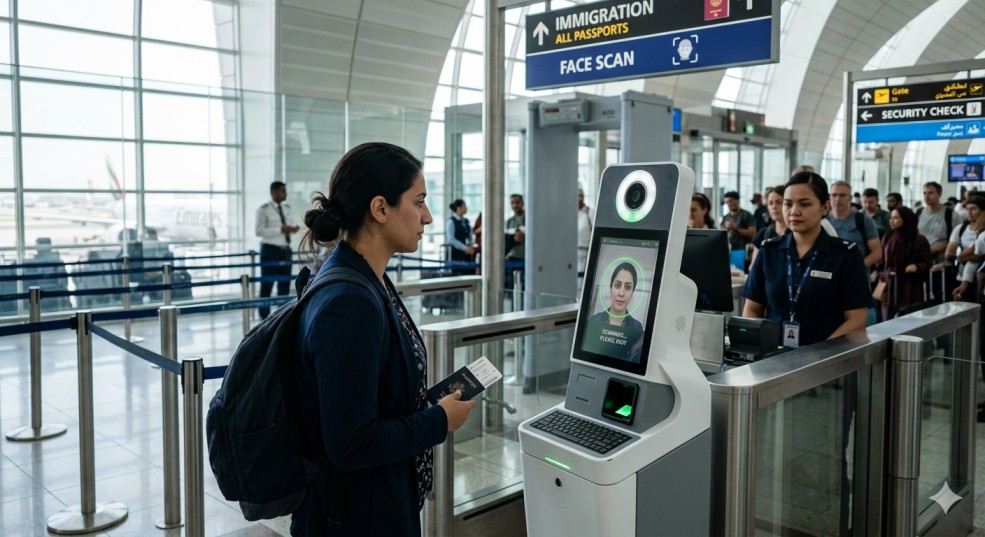
Thinking about traveling to Ethiopia? How fun! Before you begin rolling your bags, there’s just one last step you must complete: Your visa photo.
Many don’t realize this, however, a minor error with your visa photo can put your application on hold and delay you from receiving your eVisa to Ethiopia. Knowing and understanding how to take a proper visa photo will make submitting your application with confidence much easier. This Ethiopia e-Visa Photo Requirements guide will take you through everything you need to know regarding your visa photo in an easy-to-understand manner so that you can submit your application confidently.
Do I Need a Visa to Travel to Ethiopia?
For most travelers, yes—you will need a visa to enter Ethiopia. Thankfully, the process is now much easier thanks to the Ethiopian eVisa system.
You can apply online, upload your documents, and receive your visa without dealing with complicated paperwork. Most visas allow a stay of up to 30 days, depending on your purpose of travel.
What are the Photo Requirements for the Ethiopia e-Vis Application?
Let’s keep it simple. Your photo should:
Be recent (taken in the last 6 months)
Clearly show your full face
Have a plain background
Be well-lit with no shadows
Show a neutral expression
Think of it like a standard passport photo—clean, clear, and natural.
What Format Is Needed for the photo requirements for the Ethiopia e-Visa?
When uploading your photo, stick to common formats like:
JPG / JPEG
PNG
Make sure the file opens properly and isn’t blurry or pixelated.
What Background Is Required for the Photo?
Your background matters more than you think.
Choose a plain white or light-colored wall
Avoid patterns, furniture, or decorations
Make sure there are no shadows behind you
A clean background helps your photo get approved faster.
Can I upload a Mobile Photo for the Ethiopia e-Visa?
Yes—you absolutely can use your phone!
Just make sure:
You have good lighting (natural daylight works best)
The camera is steady
No filters or editing effects are used
A well-taken mobile photo can work just as well as a studio one.
What Are the Passport Photo Rules for the Ethiopia e-Visa?
Here are a few easy rules to follow:
Your face should fill most of the frame
Look straight at the camera
Keep your head level
Keep your expression neutral
No need to overthink it—just keep it natural and clear.
Are Glasses Allowed in the Photo Requirements for the Ethiopia e-Visa?
It’s better to remove your glasses if possible.
If you must wear them:
Avoid glare on lenses
Make sure your eyes are clearly visible
Tinted or dark glasses are not allowed.
Can I Edit My Photo for the Ethiopia e-Vis Application?
A little editing is okay, like:
Cropping
Adjusting brightness
But avoid:
Filters
Face editing
Changing the background artificially
Keep it real—your photo should look like you.
What Happens If My Photo Does Not Meet the Ethiopia e-Visa Requirements?
If your photo doesn’t meet the rules, a few things can happen:
Your application may be delayed
You may need to upload a new photo
In some cases, your application could be rejected
That’s why it’s worth double-checking everything before submitting.
Can I Wear Head Coverings in the Photo?
Yes, but only if it’s for religious or medical reasons.
Just make sure:
Your full face is visible
Nothing covers your eyes or facial features
Can I smile in My Photo for the Ethiopia e-Visa Application?
A soft, natural look is fine—but avoid big smiles.
Keep your mouth closed
Maintain a neutral expression
What Resolution Is Required for the Ethiopia e-Visa Photo Upload?
Your photo should be:
At least 600 x 600 pixels
Clear and sharp
Good quality makes a big difference.
Are Selfies Accepted for the Photo Requirements for the Ethiopia e-Visa?
Selfies are not the best option, but they can work if done properly.
No tilted angles
No shadows
Plain background
If possible, ask someone to take your photo—it usually turns out better.
How to Resize a Photo for the Ethiopia e-Visa Application?
Resizing is simple:
Use an online tool or app
Adjust the dimensions
Keep the image clear
Save it in JPG or PNG format
Just make sure the quality stays good after resizing.
Who Can Apply for the Ethiopian eVisa?
The Ethiopian eVisa is available to many travelers worldwide. Here’s a quick look: