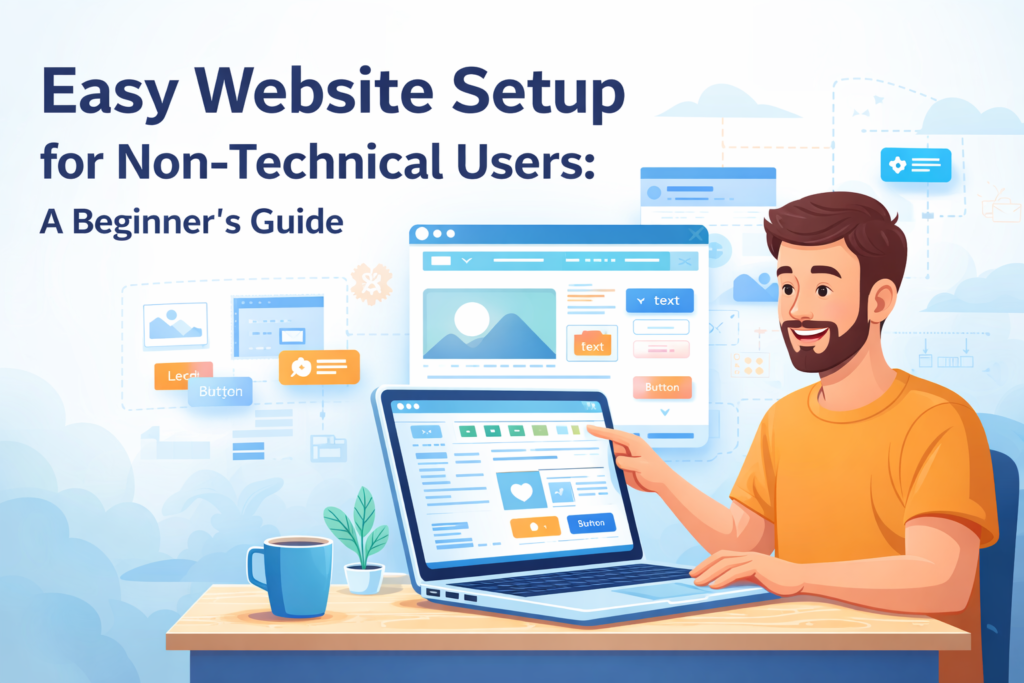

Building a website once required some level of coding, technical ability, and time. This is not the case anymore. The development of new technology and website building tools makes it possible for everybody, even without any technical abilities, to develop their own professional websites. The emergence of platforms such as WP-1 click makes the process even simpler by reducing the complexity involved in website building.
In this guide, we provide all the information on how to create a website effectively without any prior technical knowledge.
Why Non-Technical Users Can Build Websites Today
The greatest innovation in web design is due to intuitive tools which eliminate coding to provide visual interfaces. With such platforms, users can create sites by simply dragging and dropping elements, selecting templates, and designing their sites through a live interface.
These tools cater to users who have no prior experience in coding or web design. Their main aim is to make site creation simpler, quicker, and easier for anyone to do. Due to this reason, any small business owner, blogger, freelancer, or organization can create their own websites without employing programmers.
Choosing the Right Platform
Selecting the right platform is the first and most important step. A good website builder should offer ease of use, flexibility, and scalability.
Some platforms are designed specifically for beginners, offering pre-built templates and guided setup processes. When choosing one, consider how intuitive the interface is and whether it provides enough customization options without overwhelming you.
For example, if you are looking for niche-specific solutions like church wesbite builders, you’ll find platforms tailored to specific needs, making setup even easier by offering relevant templates and features.
Domain Name and Hosting Made Simple
Before your website goes live, you need two essential things: a domain name and hosting.
A domain name is your website’s address on the internet. It should be simple, memorable, and relevant to your purpose. Many website builders now offer domain registration as part of their package, removing the need to go through separate providers.
Hosting is where your website lives online. The good news is that most beginner-friendly platforms include hosting in their plans. This means you don’t have to worry about servers, configurations, or maintenance.
Using Templates to Save Time
Templates are one of the biggest advantages for non-technical users. Instead of starting from scratch, you can choose a professionally designed layout and customize it to match your needs.
Templates typically include pre-designed pages such as:
- Homepage
- About page
- Contact page
- Services or blog sections
These templates are optimized for both design and functionality, ensuring your website looks professional from the start. All you need to do is replace the placeholder content with your own.
Customizing Your Website Without Coding
Modern website builders allow you to customize every aspect of your site visually. You can change colors, fonts, images, and layouts with just a few clicks.
The customization process usually involves:
- Editing text directly on the page
- Uploading images or videos
- Rearranging sections using drag-and-drop tools
Even advanced features like adding forms, maps, or social media links are simplified into easy-to-use options. This eliminates the need to understand HTML, CSS, or JavaScript.
Creating Essential Pages
A well-structured website includes a few key pages that help visitors understand your purpose and take action.
The homepage is your first impression. It should clearly communicate what your website is about. The about page helps build trust by sharing your story or mission. A contact page allows visitors to reach you easily.
If you are running a business or service, you may also include pages for products, services, or testimonials. The goal is to make navigation simple and intuitive so users can find what they need without confusion.
Making Your Website Mobile-Friendly
Today, most users browse the internet on their smartphones. That’s why mobile responsiveness is essential.
Fortunately, most website builders automatically optimize your site for mobile devices. This means your website will adjust its layout and design based on the screen size.
However, it’s still important to preview your website on different devices to ensure everything looks and works correctly.
Basic SEO for Better Visibility
Creating a website is only the first step. To reach your audience, your site needs to be visible on search engines.
Basic SEO practices can significantly improve your website’s performance:
- Use clear and relevant page titles
- Write simple and informative content
- Add keywords naturally within your text
- Optimize images with proper descriptions
You don’t need advanced knowledge to implement these basics. Many platforms include built-in SEO tools that guide you through the process.
Adding Content That Connects
Content plays a crucial role in your website’s success. It’s not just about filling pages—it’s about providing value to your visitors.
Write content in a clear and conversational tone. Focus on answering questions, solving problems, or sharing useful information. Avoid overly technical language, especially if your audience is general users.
Consistency is also important. Updating your website regularly with fresh content, such as blog posts or updates, helps keep your audience engaged and improves search engine rankings.
Security and Maintenance Made Easy
One of the biggest concerns for non-technical users is website security. Fortunately, modern platforms handle most of this for you.
Automatic updates, secure hosting, and built-in protection features ensure your website stays safe. You don’t need to worry about manual updates or complex configurations.
Regularly backing up your website is also important. Many platforms provide automatic backups, giving you peace of mind in case anything goes wrong.
Launching Your Website
Once everything is set up, launching your website is simple. Most platforms offer a one-click publish option.
Before going live, double-check:
- All links are working
- Content is accurate
- Images are properly displayed
- Contact forms are functional
After publishing, your website becomes accessible to the world. You can start sharing it on social media, email, or other channels to attract visitors.
Common Mistakes to Avoid
There will be common mistakes that beginners can make even with easy methods. Knowing these will save you a lot of hassle.
Overcrowding the website by putting in too many aspects will cause the website to appear cluttered. This can be avoided through keeping the design neat and simple. Another mistake to avoid is not optimizing your website for mobile.
It is crucial to focus on content since even a beautifully designed website cannot succeed without relevant content.
Conclusion
Creating a website does not require technical skills anymore. All you need to build a website is done through some simple strategies that will lead you into having an excellent site without requiring you to possess any technical skill.
All you need to do is identify the right web development platform, select the right templates, then customize the templates according to your preferences. Ensure that all content that appears on your website is readable and captivating.
As the process progresses, you can start considering advanced features for your website. For instance, if you are interested in customizing your website further with unique styles, you may consider browsing through WordPress Church Themes.
The process of creating a website is much easier than it used to be.