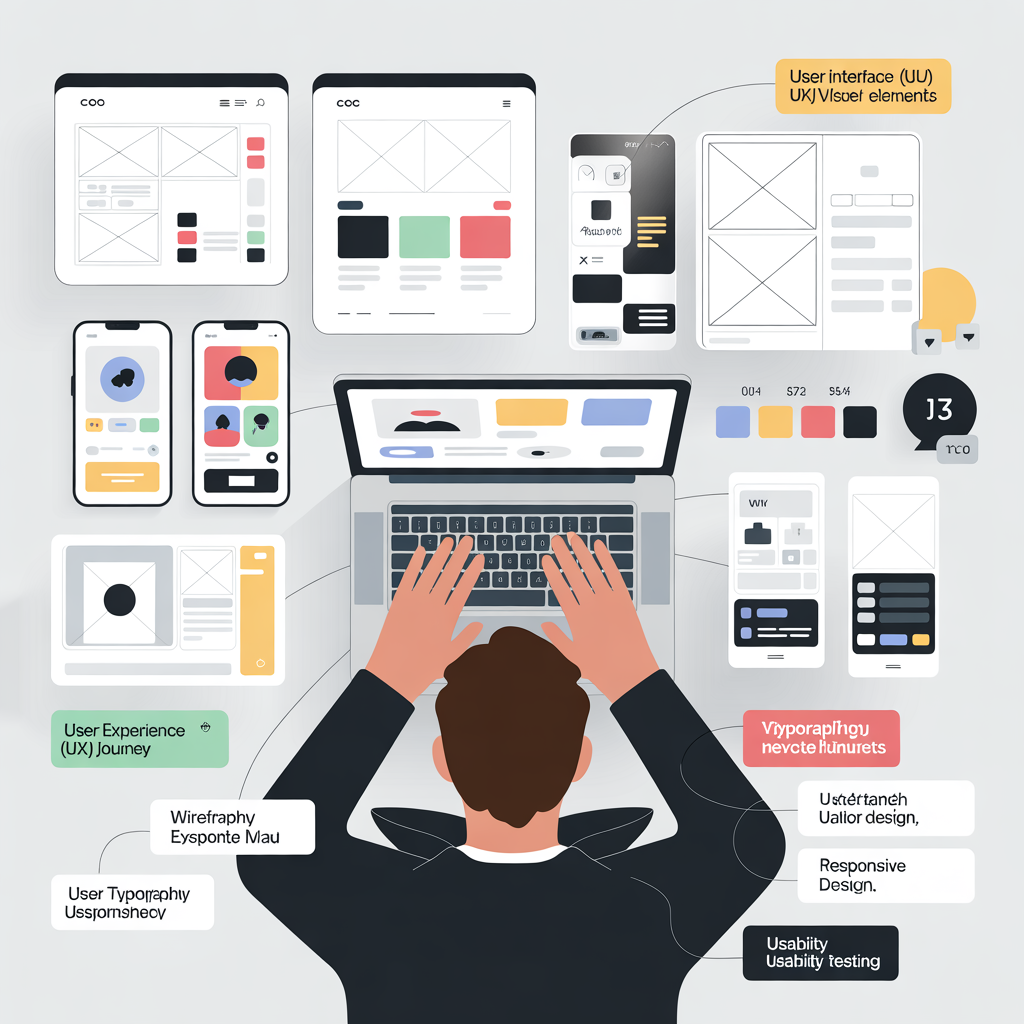

Key Takeaways
- UI design focuses on visual elements, such as layout, colors, typography, buttons, and icons that users interact with on websites or apps.
- UX design focuses on the overall user experience, ensuring users can easily navigate, complete tasks, and achieve their goals without confusion.
- Good UI/UX design follows key principles like simplicity, clear navigation, consistency, and mobile-friendly design to create smooth and user-friendly digital experiences.
- A structured UI/UX design process that includes user research, wireframing, interface design, usability testing, and continuous improvement helps create effective and successful digital products
When people visit a website or open a mobile app, they expect everything to be simple and easy to use. If a design feels confusing or slow, most users leave quickly. That is why understanding the basics of UI/UX design is very important.
UI/UX design focuses on creating digital products that are easy, clear, and enjoyable to use. A good design helps users find information quickly, complete tasks easily, and feel comfortable while using a website or application.
For businesses, strong UI/UX design improves user satisfaction, increases engagement, and helps turn visitors into customers. Even beginners can learn these principles and start creating better digital experiences.
In this guide, you will learn what UI and UX design mean, how they work together, the key principles behind good design, and the process designers follow to create user-friendly products.
What Is UI Design?
UI design stands for User Interface design. It focuses on the visual elements that users interact with when they use a website or application.
UI design is mainly about how a digital product looks and feels. A well-designed interface helps users understand what actions they can take.
Key Elements of UI Design
Several design elements work together to create a strong interface.
- Layout and structure
A layout organizes content so users can easily understand the page and navigate through it. - Buttons and interactive elements
Buttons, forms, menus, and links allow users to take actions such as signing up or making a purchase. - Typography
Typography includes fonts, text size, and spacing. Good typography makes content easy to read. - Color schemes
Colors help highlight important actions and create a consistent brand identity. - Icons and images
Icons and images help explain features quickly and improve visual communication.
Goal of UI Design
The main goal of UI design is to create an interface that is:
- Easy to understand
- Visually appealing
- Simple to navigate
A well-designed interface makes users feel comfortable while interacting with the product.
What Is UX Design?
UX design stands for User Experience design. It focuses on how users interact with a product and how they feel during that experience.
While UI focuses on visual appearance, UX focuses on the overall usability and experience.
UX design ensures that users can achieve their goals quickly and without frustration.
Core Parts of UX Design
UX design involves several important activities.
- User research
Designers study the target audience to understand their needs, goals, and challenges. - User journey mapping
This shows the steps users take when interacting with a website or application. - Wireframing
Wireframes are simple sketches that show the structure of a page before visual design begins. - Usability testing
Real users test the design to identify problems or confusion. - Continuous improvement
Designers improve the experience based on user feedback and data.
Why UX Design Matters
Good UX design provides many benefits.
- Users complete tasks faster
- Websites become easier to understand
- Customer satisfaction increases
- Users return more often
A smooth user experience can significantly improve the success of a digital product.
Difference Between UI and UX Design
Many beginners think UI and UX design are the same, but they focus on different aspects.
UI Design Focuses On Visual Elements
Examples include:
- Colors
- Typography
- Buttons
- Layouts
- Icons
UX Design Focuses On User Experience
Examples include:
- Navigation flow
- Task completion process
- Website structure
- User satisfaction
Example
Consider an online shopping website.
- UI design controls how product pages, buttons, and menus look.
- UX design ensures customers can easily search for products, add items to the cart, and complete purchases.
Both UI and UX must work together to create a smooth and effective experience.
Basic Principles of Good UI/UX Design
Successful digital products follow several design principles.
1. Keep the Design Simple
Simple designs are easier for users to understand.
Best practices include:
- Avoid too many visual elements
- Focus on important content
- Use clean layouts
Simple design reduces confusion and improves usability.
2. Make Navigation Clear
Navigation helps users move around a website easily.
Good navigation should:
- Be easy to find
- Use clear menu labels
- Guide users to important pages quickly
Clear navigation keeps users engaged.
3. Focus on User Needs
Design decisions should always consider the user.
Designers often:
- Study user behavior
- Identify user problems
- Observe how people interact with websites
This helps create solutions that truly help users.
4. Maintain Consistency
Consistency makes a website easier to use.
Examples include:
- Using the same colors across pages
- Keeping button styles consistent
- Using similar layouts throughout the site
Consistency builds familiarity and trust.
5. Optimize for Mobile Devices
Many users browse websites on mobile phones.
Mobile-friendly design should:
- Adapt to different screen sizes
- Use readable text
- Include touch-friendly buttons
Responsive design ensures a smooth experience across all devices.
Essential UI/UX Design Process
Professional designers follow a structured design process.
Step 1: Understand the Users
The first step is researching the target audience.
Designers try to understand:
- Who the users are
- What problems they face
- What goals they want to achieve
This research guides the entire design project.
Step 2: Create Wireframes
Wireframes show the basic structure of a website or application.
Wireframes help designers plan:
- Page layout
- Content placement
- Navigation flow
They focus on functionality rather than visual design.
Step 3: Design the Interface
After planning the structure, designers add visual elements such as:
- Colors
- Typography
- Icons
- Images
This step transforms wireframes into a polished design.
Step 4: Test the Design
Usability testing helps identify problems before launch.
Testing can reveal:
- Confusing navigation
- Design mistakes
- Slow user flows
Fixing these issues improves the experience.
Step 5: Improve and Optimize
Design is an ongoing process.
Designers continuously improve the product based on user feedback and performance data.
Important UI/UX Design Tools for Beginners
Beginners can practice UI/UX design using popular tools.
- Figma
A powerful tool used for interface design and team collaboration. - Adobe XD
Useful for wireframing, prototyping, and interface design. - Sketch
A widely used tool for designing digital interfaces. - Canva
Beginner-friendly software for creating simple visuals.
Learning these tools helps beginners develop practical design skills.
Benefits of Good UI/UX Design
Strong UI/UX design offers many advantages.
- Better user satisfaction
- Higher website engagement
- Lower bounce rates
- Increased conversions
- Stronger brand credibility
When users enjoy their experience, they are more likely to trust and return to the brand.
Common UI/UX Design Mistakes Beginners Should Avoid
Beginners often make mistakes that reduce usability.
- Too many design elements
Overloaded pages can confuse users. - Poor navigation structure
Users should easily find important information. - Ignoring mobile users
Websites must work well on smartphones. - Slow website performance
Slow loading pages frustrate visitors. - Skipping usability testing
Testing helps discover problems early.
Avoiding these mistakes helps create better digital experiences.
Conclusion
Understanding the basics of UI/UX design is essential for creating successful digital products. UI design focuses on visual appearance, while UX design focuses on the overall user experience.
When these two areas work together, they create websites and applications that are both attractive and easy to use. Good UI/UX design improves usability, increases engagement, and helps businesses grow online.
Beginners can start by learning design principles, practicing with design tools, and studying how users interact with digital products. Over time, these skills can help designers create better interfaces and more effective digital experiences.
If you want to improve your website design and user experience, explore professional service.
Frequently Asked Questions (FAQ)
What is the difference between UI and UX design?
UI (User Interface) design focuses on the visual elements of a website or application, such as colors, buttons, typography, and layouts. UX (User Experience) design focuses on how users interact with the product and how easy it is for them to complete tasks. UI makes the product look good, while UX ensures the product works smoothly and solves the user’s problem.
Why is UI/UX design important for websites and apps?
UI/UX design is important because it directly affects how users interact with a digital product. A good design helps users find information quickly, complete tasks easily, and enjoy their experience. This leads to higher engagement, lower bounce rates, better customer satisfaction, and improved business results.
What basic skills are needed to learn UI/UX design?
Beginners who want to learn UI/UX design should focus on several key skills. These include understanding user behavior, learning design principles like simplicity and consistency, practicing wireframing and prototyping, using design tools such as Figma or Adobe XD, and studying usability and accessibility best practices.
Which tools are best for beginners in UI/UX design?
Several beginner-friendly tools can help you start learning UI/UX design. Popular tools include Figma for interface design and collaboration, Adobe XD for wireframing and prototyping, Sketch for digital interface design, and Canva for creating simple visual elements.
How can beginners start learning UI/UX design?
Beginners can start learning UI/UX design by learning basic design principles, studying successful website and app designs, practicing with wireframes and simple interfaces, using design tools to create sample projects, and testing designs with real users. Consistent practice helps develop strong design skills.